
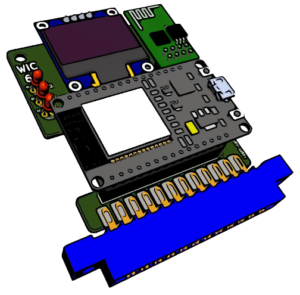
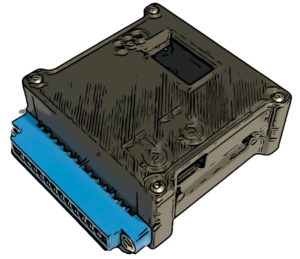
Since version 3.9 VICE has support for emulating the WiC64. This works well either for debugging, gaming or general usage.
To use the WiC64 emulation, you need to have VICE installed with Version 3.9 or higher.
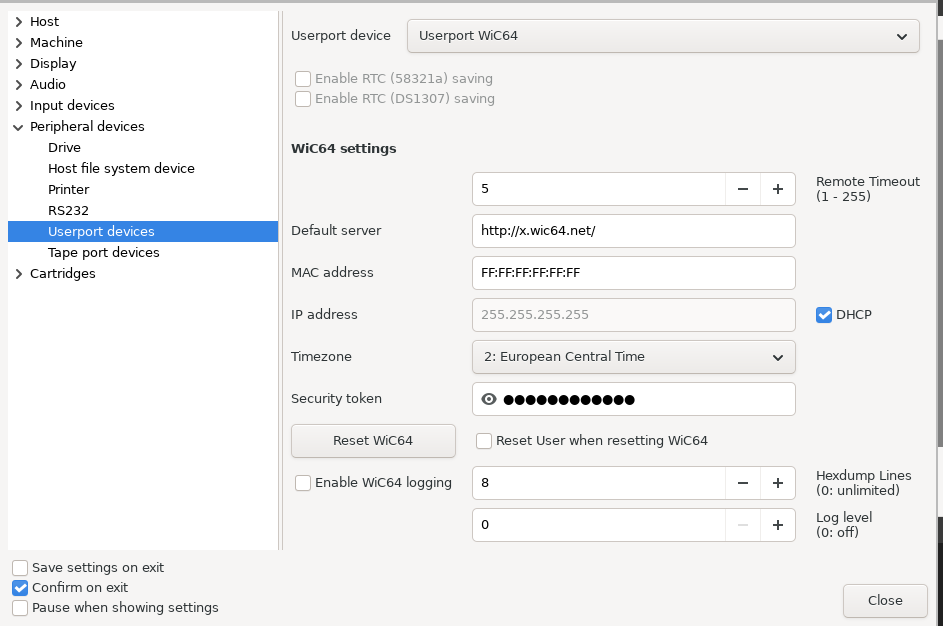
To set up the WiC64 emulation, you need to do the following steps:
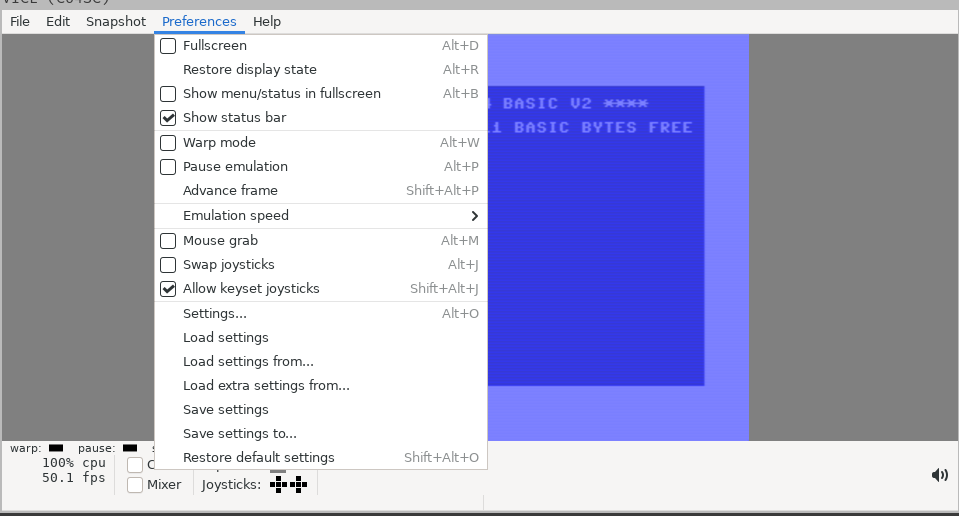
1: Open the Preferences Menu and select Settings
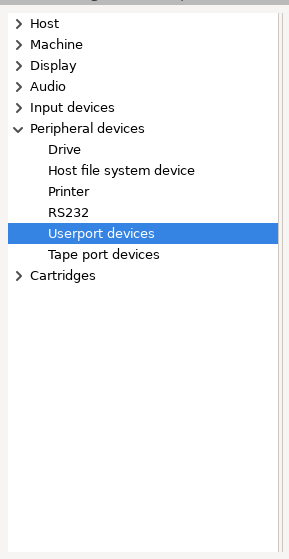
2: on the left side, choose Userport devices in the section Peripheral devices.
3: on the right side, select Userport WiC64 in the dropdown menu. Thats all you need to do, now you can use the WiC64 emulation in Vice.
To use your newly emulated WiC64, you can download the wic-portal-launcher and start it from within vice.
If you haven't yet, you need to create a user account and login right there.
Now you can browse the menu and start all the goodies there.
Have Fun!
if you like to debug your own code running on the WiC64, in the same settings screen as 3:
Check the Enable WiC64 logging checkbox and set the loglevel to your needs, 4 might be a good start, but change accordingly.
The log will just be written to STDOUT, so to be able to read the logs you need to start VICE from the command-line, the log will appear in the terminal.